Link in Bio on YouTube: Where It Is and How to Add It (2026)
 Marcel Cruz
YouTube's link in bio lives in YouTube Studio: Customization, then Profile, then Links. You can add up to 14, and the first one is displayed prominently next to your Subscribe button while the rest sit behind a "more links" tap. Four other surfaces carry outbound links too: video descriptions, Community posts, Shorts profile taps, and pinned comments.
That first profile link is the one that matters, and most creators waste it on a generic homepage. Below: what belongs in each slot, how to tune the destination for cold Shorts traffic, and how to tell which surface is actually sending signups.
Where is the link in bio on YouTube?
On a channel page it is the link in the profile section near the Subscribe button, under the channel description. On mobile, tap the channel name from any video or Short. Behind the scenes it is one of your channel profile links, managed in YouTube Studio.
Per YouTube's own documentation you can showcase up to 14 of them on your channel Home tab, and only the first is displayed prominently; the rest appear when a viewer clicks to see more. That ordering is the whole game: link one gets the traffic, links two through fourteen are a directory.
If an older guide told you to put a row of social icons on your channel banner, that advice has aged out. YouTube now documents one place to manage channel links, and the banner is artwork rather than a link surface.
How do you get a link in your YouTube bio?
It takes about two minutes.
- Sign in to YouTube Studio.
- From the left menu, select Customization, then Profile.
- Scroll to Links and click Add link.
- Enter a link title and the URL. Links must follow YouTube's external links policy.
- Drag your most important link into first position, since only that one shows without an extra tap.
- Click Publish.
The change usually shows within a few minutes. Check it on a phone, not a desktop, because that is where the taps come from.
The five YouTube link surfaces, ranked by what they are worth
- Channel profile links. The canonical link in bio. Every other surface funnels here.
- Video descriptions. Per-video links, where the first line above the "Show more" fold takes a wildly disproportionate share of clicks.
- Community posts. Text plus link posts served to engaged subscribers. High intent, low reach.
- Shorts profile taps. There is no per-Short link sticker the way Instagram and TikTok have one, so a Shorts viewer taps through to your profile and lands on surface one.
- Pinned comments. Free and the least reliable of the five, since comment links can be filtered on newer channels. A backup, not a plan.
The anti-pattern is pointing all five at the same untagged URL. A viewer two seconds into a vertical scroll and one who just finished a twenty-minute tutorial want different next steps.
What belongs in the first profile link slot?
One destination that aggregates everything else, ordered for cold traffic, because the first three blocks take most of the clicks.
- Latest video or current playlist, so the page stays as fresh as the channel.
- Newsletter signup. The one audience asset that survives every platform change.
- Patreon, Memberful, or Ko-fi for the recurring layer.
- Merch store, linking straight to product rather than a storefront homepage.
- Current sponsor code, in one slot reserved for whoever is live this month.
- Other socials, demoted rather than promoted. YouTube is the home channel.
- Contact or press kit at the bottom for business inquiries.
The test for whether a block earns its place: would you be happy if the next Shorts visitor tapped exactly that one?
Build Your Page in Minutes
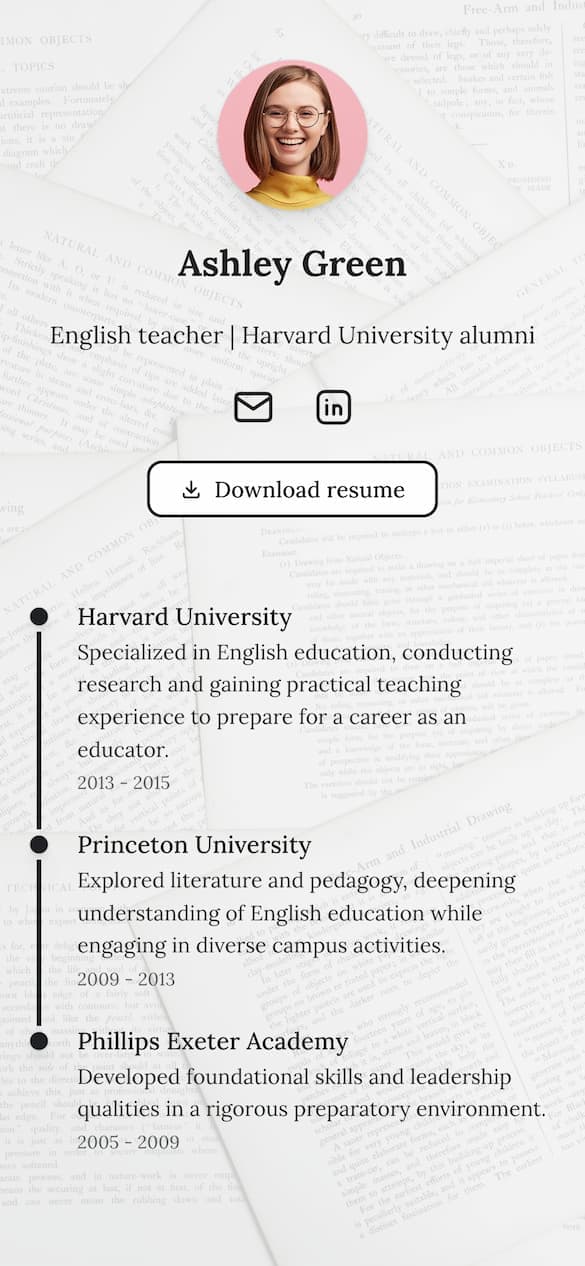
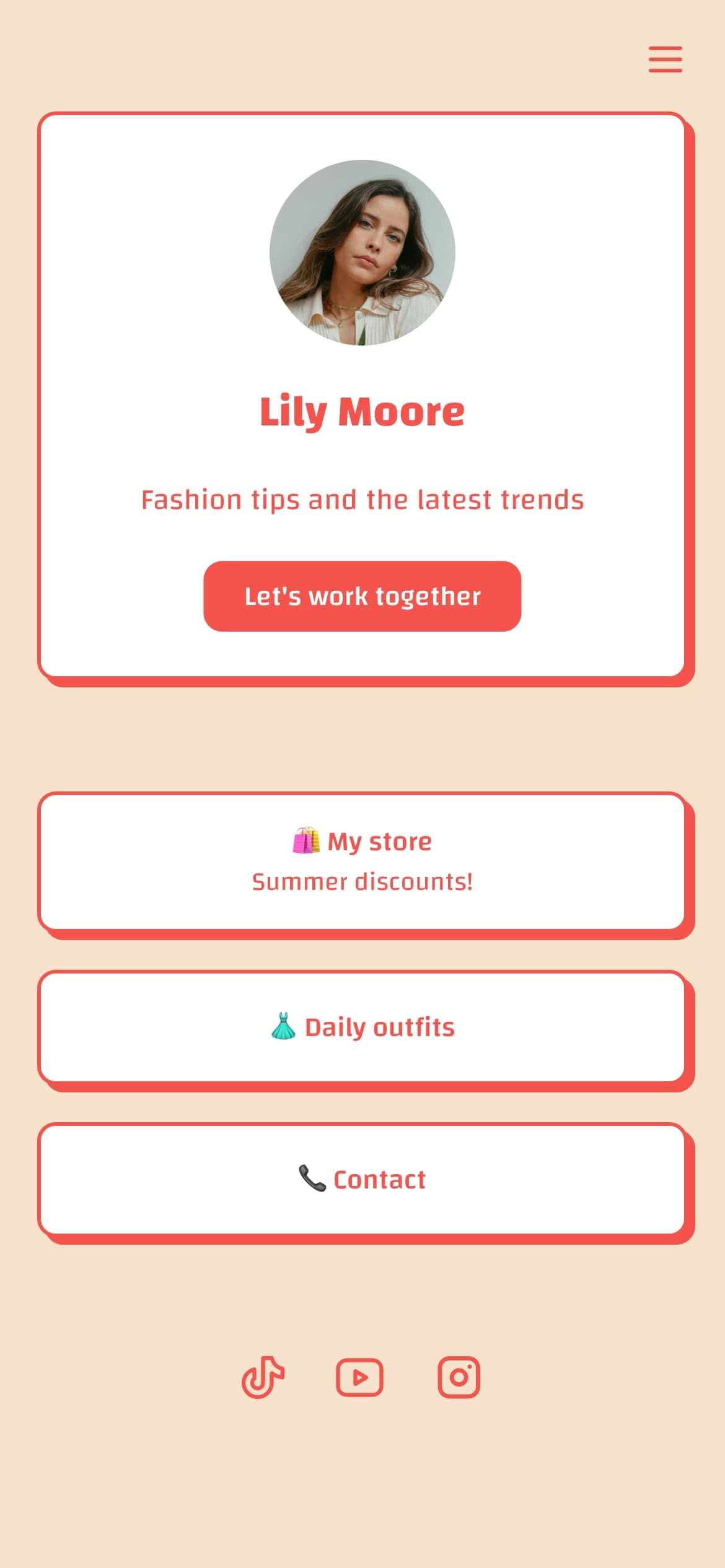
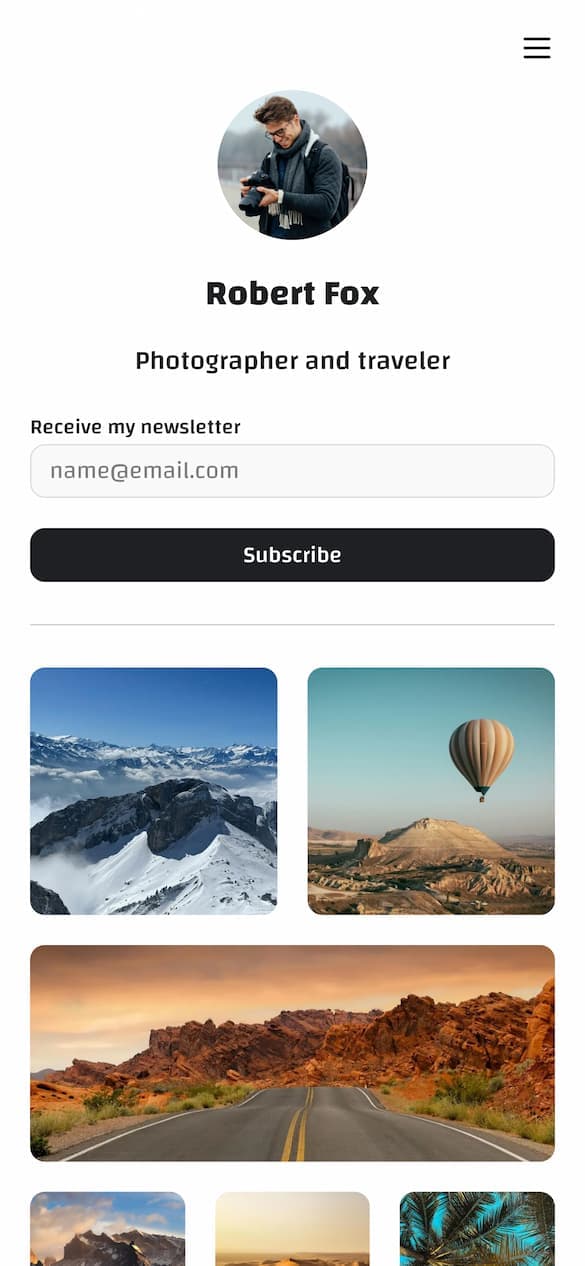
Drag-and-drop editor with 18 content blocks, per-block styling, and custom themes.
Create your pageShould Shorts get a different link than long-form?
No. Run one page with a rotating top section rather than five URLs, because five landing pages drift into staleness fast and stale beats every other bio link mistake combined. Tune that single page for Shorts pace instead:
- One line of copy at the top, something like "Free 7-day creator email course". Shorts viewers do not read manifestos.
- Two blocks above the fold, maximum. Newsletter first, latest long-form video second.
- Fast mobile load, tested on a real phone in an in-app browser.
Branch only on genuine audience divergence, such as a course launch that deserves the description link while the profile link stays general purpose. The what to put on a link in bio guide covers block ordering, and the best link in bio for TikTok breakdown translates well if you cross-post Shorts.
How do you track which YouTube surface actually converts?
If you are not splitting traffic by surface, you cannot tell whether the profile link or the description is carrying the channel. The minimum useful split:
- Tag each surface with UTM parameters. Append
?utm_source=youtube&utm_medium=profile,&utm_medium=description,&utm_medium=community, and so on. Our free UTM builder assembles the tagged URLs to paste into each slot. - Watch the top-converting block on the destination page. A tool with per-link click data answers this without a separate analytics stack.
- Separate publish-day spikes from steady state. A video still sending signups three months later is worth more than one that spiked for a day.
The link in bio analytics guide covers which of those metrics matter and which are vanity.
What to look for in a bio link tool as a YouTube creator
Three features do most of the work here, so the shortlist is narrower than the general best link in bio tools roundup suggests.
- Video embeds and thumbnails, so the page reads as a continuation of the channel instead of a hard cut to a wall of buttons.
- A custom domain, so your URL in a description reads as your brand. Worth knowing: Linktree offers no custom domain on any plan, per its own help center, and suggests redirect links instead. Linkero includes one on every paid plan, as the pricing page shows, and the custom domain guide walks through setup.
- Per-link click analytics, so the UTM split above resolves into a decision.
Music channels have a fourth requirement, since release links behave differently. The best link in bio for musicians roundup covers that case.
Common YouTube link in bio mistakes
- The top block says "subscribe to my channel". YouTube already prompts that natively on every player. Use the slot for something YouTube cannot host.
- The sponsor code sits in position six while the deal is live and the clock is running.
- The page has not been touched in nine months. Cold traffic landing on a stale page is a one-tap goodbye.
FAQ
How do you get a link in your YouTube bio?
Open YouTube Studio, select Customization then Profile, scroll to Links, click Add link, and enter a title and URL. Publish, then drag your most important link to first position. Only the first link shows next to the Subscribe button; the rest are behind a "more links" tap.
Can YouTube Shorts have a link in bio?
Yes, indirectly. YouTube does not offer an in-Short link sticker, so Shorts viewers tap through to your profile and use the same channel link everyone else does. Mention the link verbally in the Short and keep the top of the destination page tuned to Shorts pace.
How many links can you put on a YouTube channel?
Up to 14 channel profile links. Only the first is displayed prominently near the Subscribe button, so treat slots two through fourteen as a directory rather than as real estate.
What's a good bio for a YouTube channel?
One sentence on who the channel is for and what they get, followed by an upload cadence if you keep one. "Weekly camera reviews for people who shoot in bad light" beats a paragraph of credentials. Then let the first profile link carry the call to action instead of stuffing it into the text.
How many links should be in a YouTube video description?
Three or four, well ordered. The first should be the highest-intent destination for that specific video, with your bio link second. Anything past five gets buried under the "Show more" fold.
Get the first slot right and the rest follows
Five surfaces, one destination, one prominent profile link, and a UTM tag on each entry point so you can tell which one pays. Rotate the top block when a launch or sponsor goes live, and lead with the newsletter the rest of the time.
Build Your Page in Minutes
Drag-and-drop editor with 18 content blocks, per-block styling, and custom themes.
Create your page